如何卸載 Bandizip
從控制台執行
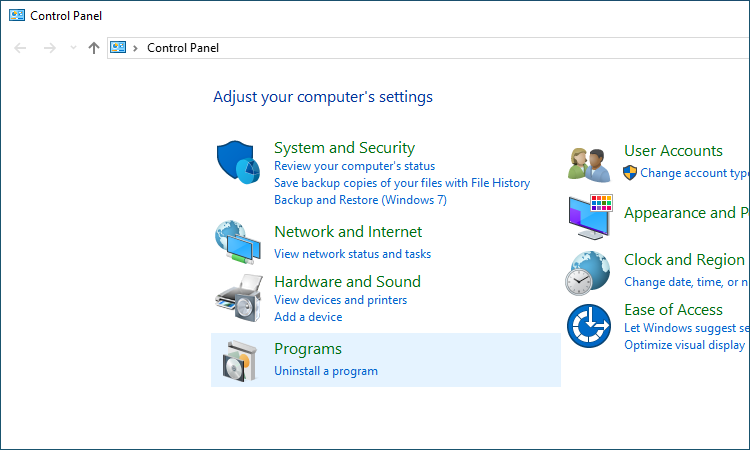
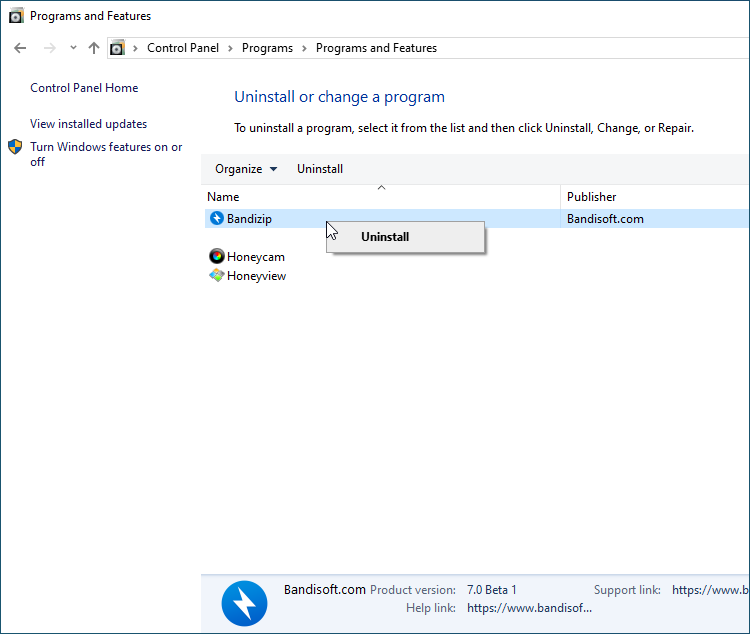
從“控制台>卸載程式”中,選擇 Bandizip 並卸載它。
於 Windows 10 作業系統上
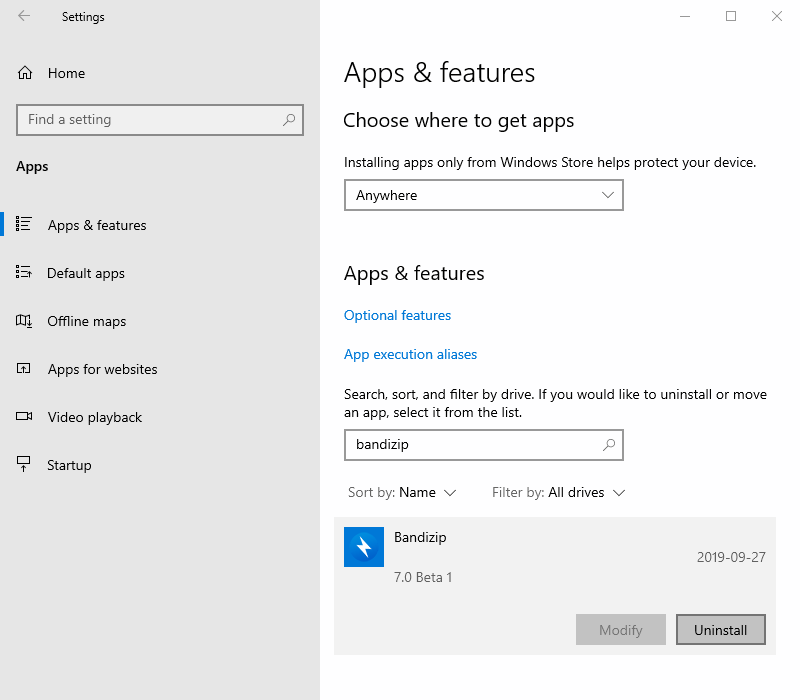
如果您使用的是 Windows 10 作業系統,請從“開始”>“設定”>“應用程序”中查找(或蒐索)Bandizip並將其卸載。
從檔案/資料總管執行
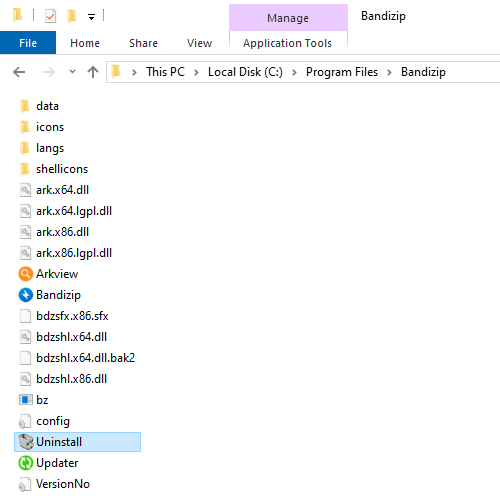
從檔案/資料總管中,打開“C:\Program Files\Bandizip” 並運行 Uninstall.exe。
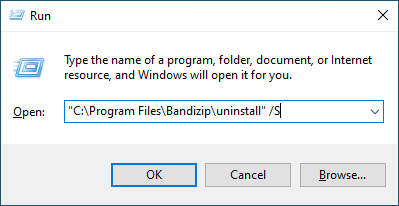
運行“C:\Program Files\Bandizip\uninstall”
運行“C:\Program Files\Bandizip\uninstall”卸載 Bandizip。
您可以添加/S(“C:\Program Files\Bandizip\uninstall”/S),以便在卸載過程中不顯示UI。
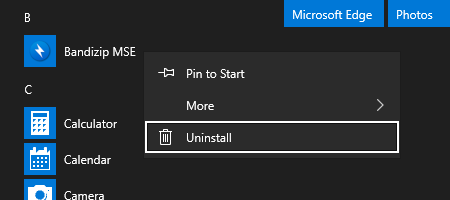
Uninstall Bandizip MSE
Open the Start menu and find Bandizip MSE. Right-click the app icon and select Uninstall.