
How to unzip files with Bandizip
Run Bandizip
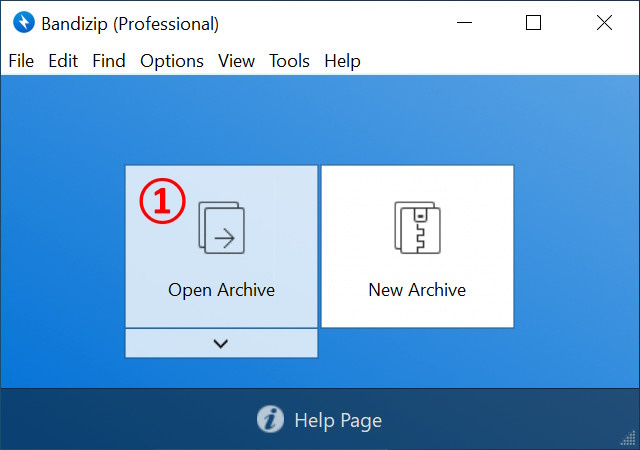
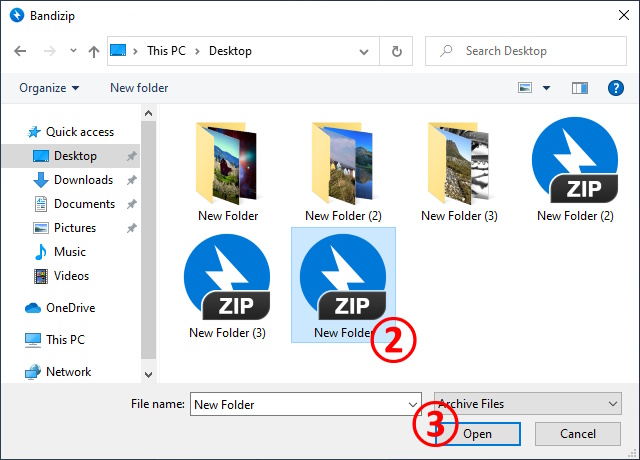
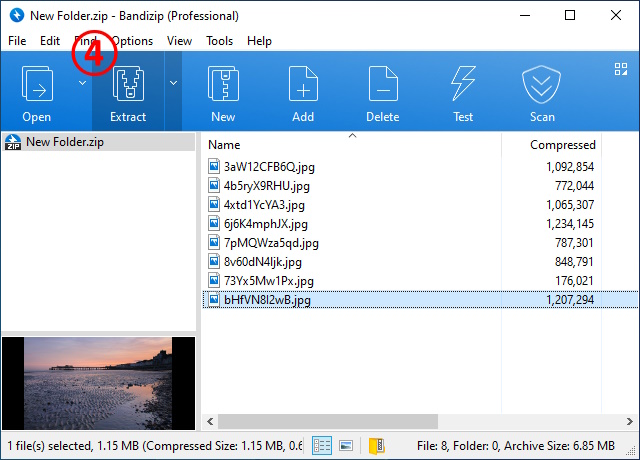
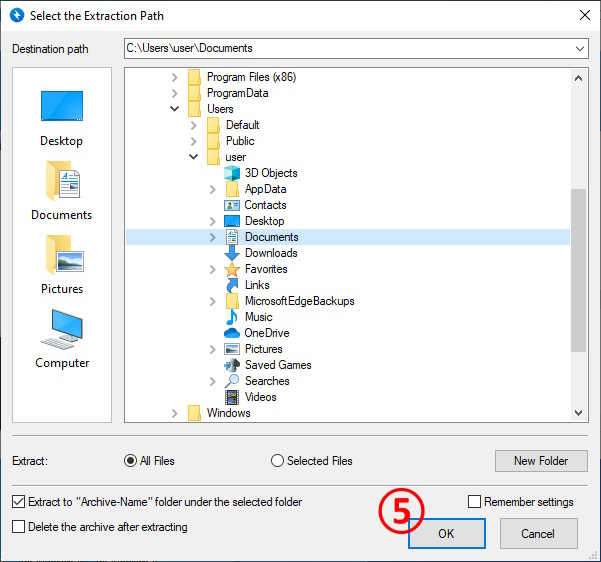
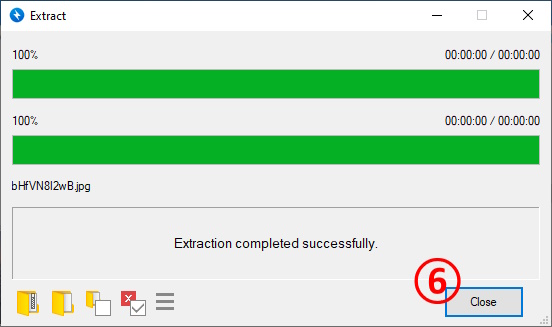
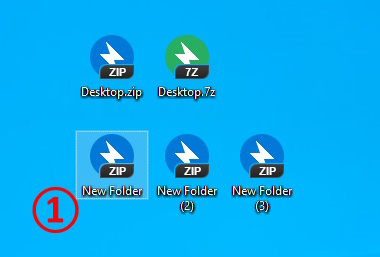
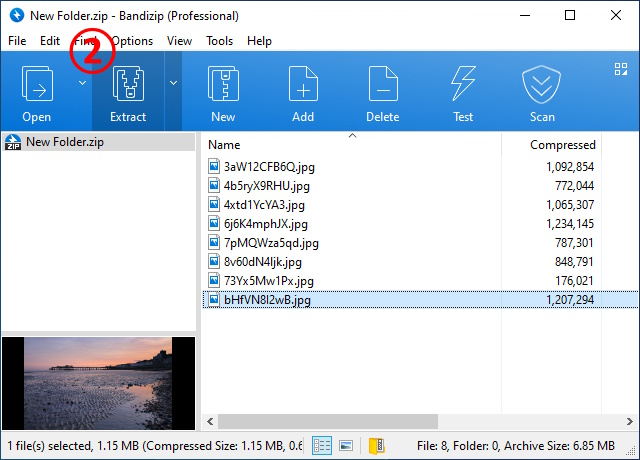
Run Bandizip → ① Open Archive → ② Select an archive to unzip → ③ Open → ④ Extract → Select a destination path → ⑤ OK → ⑥ Close
Double-click an archive
① Double-click an archive → ② Extract → Select a destination path → OK → Close
Use right-click menu
① Select an archive to unzip → ② Right-click the archive → ③ Select one from the following
- Extract here: Unzip the archive to the current path
- Extract here (Smart): Analyze the archive's structure to automatically select a destination path
- Extract to ***\: Create a new folder named *** and unzip the archive to it
- Open with Bandizip: Run Bandizip
- Please visit the link below to learn more about the "Extract here (Smart)" function.
Help » How to use Extract Here (Smart)