How to uninstall Bandizip
From the Control Panel
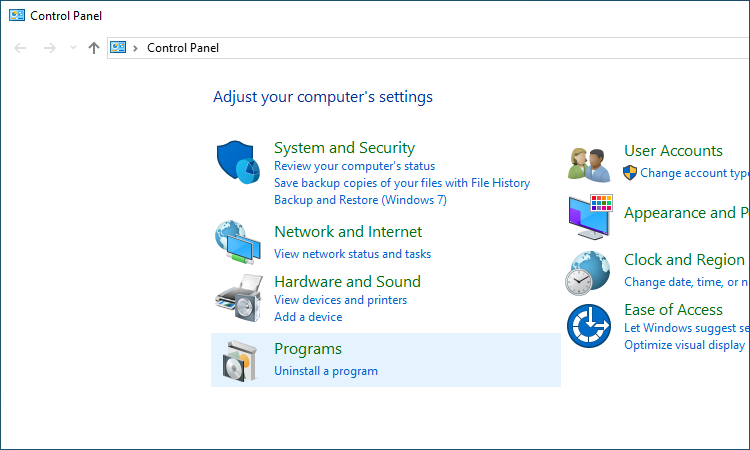
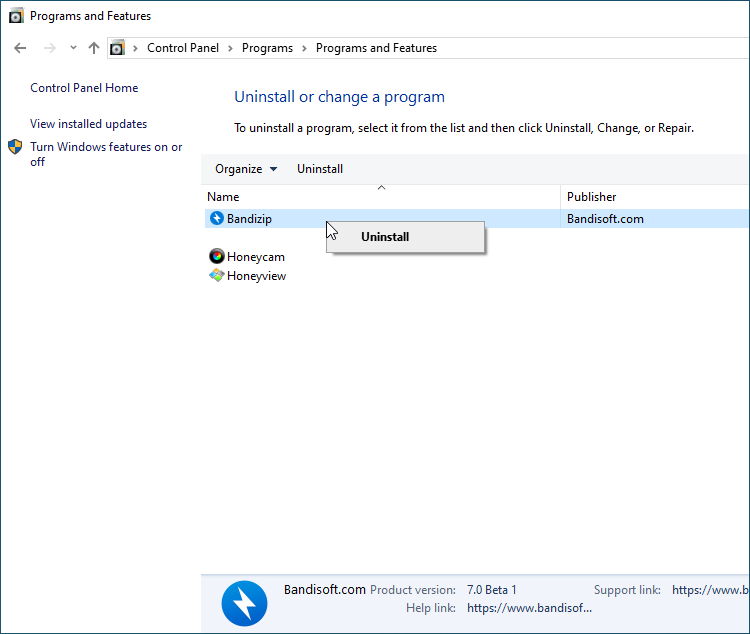
From the Control Panel > Uninstall a program, select Bandizip and uninstall it.
On Windows 10
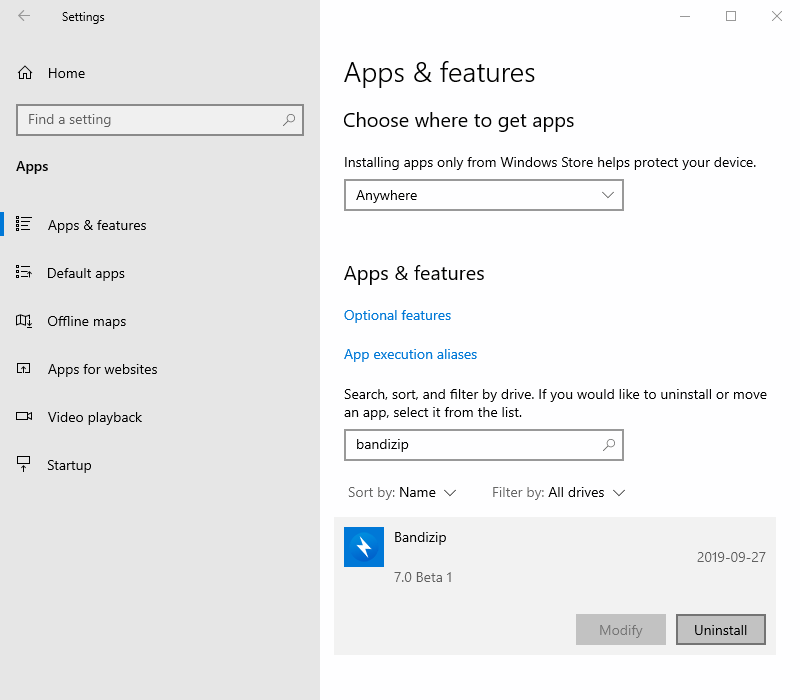
From the Start > Settings > Apps, find (or search) Bandizip and uninstall it if you are on Windows 10.
From the File Explorer
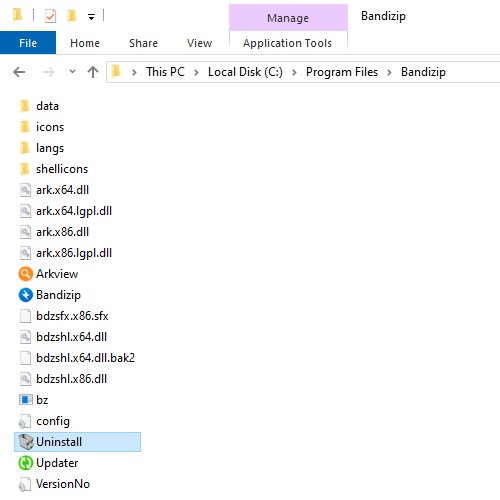
From the File Explorer, open “C:\Program Files\Bandizip” and run Uninstall.exe.
Run “C:\Program Files\Bandizip\uninstall”
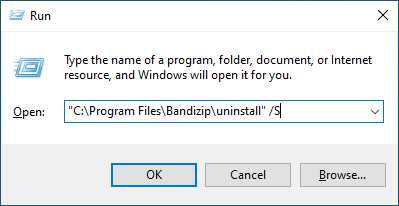
Run “C:\Program Files\Bandizip\uninstall” to uninstall Bandizip.
You may add /S (“C:\Program Files\Bandizip\uninstall” /S) to have no UI displayed during the uninstallation.
Uninstall Bandizip MSE
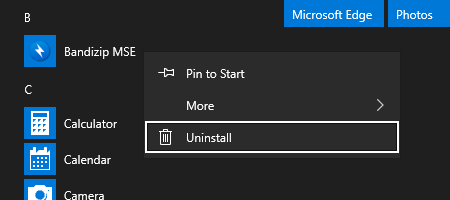
Open the Start menu and find Bandizip MSE. Right-click the app icon and select Uninstall.